
Free logo and color tools for custom promotional products
10 tools for the fiddly parts of ordering branded merchandise: matching a brand color, checking whether a logo will actually print, and sizing artwork to an imprint area. Free, no account, nothing uploaded — and every answer is checked against the 1,025 colors we actually stock.
Choose the right tool
| What you need | Tool | What you get |
|---|---|---|
| Build a color scheme, or pull one out of a logo | Color palette generator | A full palette, each color matched to one we stock |
| Find colors that go with a color you already have | Color wheel | Complementary, analogous and triadic matches |
| Find the exact colors in a logo | Image color picker | HEX, RGB and the closest colors we stock |
| Check an imprint color stays readable on the product | Contrast checker | A WCAG contrast ratio and a pass or fail |
| Prepare screen colors for print | RGB and CMYK converter | HEX, RGB, HSL and CMYK values side by side |
| Check whether an image is sharp enough to print | Will my logo print sharp? | The largest width it prints sharp at 300 DPI |
| Confirm a file is really vector | Is my file print-ready? | A vector or raster verdict, and what to ask for |
| Fit a logo to the imprint area on a product | Imprint size checker | An actual-size placement preview |
| See a logo as a one-color imprint | One-color artwork preview | A single-ink preview, with merged shapes flagged |
| Put a QR code on a product | QR code generator | A code, and the smallest size it still scans at |
Picking a color
Find a color, match it, and see which products we stock it in.
Color palette generator
Build a palette or pull one out of your logo, then see the closest colors we actually stock.
Color wheel
Enter one color and see every color that goes with it, matched to the colors we stock.
Image color picker
Click any point in your logo to read its exact color, and what we stock closest to it.
Contrast checker
Check your imprint color stays readable on the product color underneath it.
RGB and CMYK converter
Convert between the color values your designer and your printer each ask for.
Checking your artwork
Find out whether the logo file you have will actually print, before you order.
Will my logo print sharp?
Drop in a logo and see its true resolution at the size it will actually print.
Is my file print-ready?
Find out whether your logo is a true vector, and what to ask your designer for.
Imprint size checker
See how your logo fits a real imprint area before you order.
One-color artwork preview
See your logo the way a single-color screen print will actually reproduce it.
QR code generator
Make a QR code sized for a drinkware, badge or bag imprint.
Every tool answers in colors we actually stock
Not a generic swatch library. Match a color here and you get a product photographed in it, with the number of items that come in that color. Tap one to shop it.
We built these for our own art team first
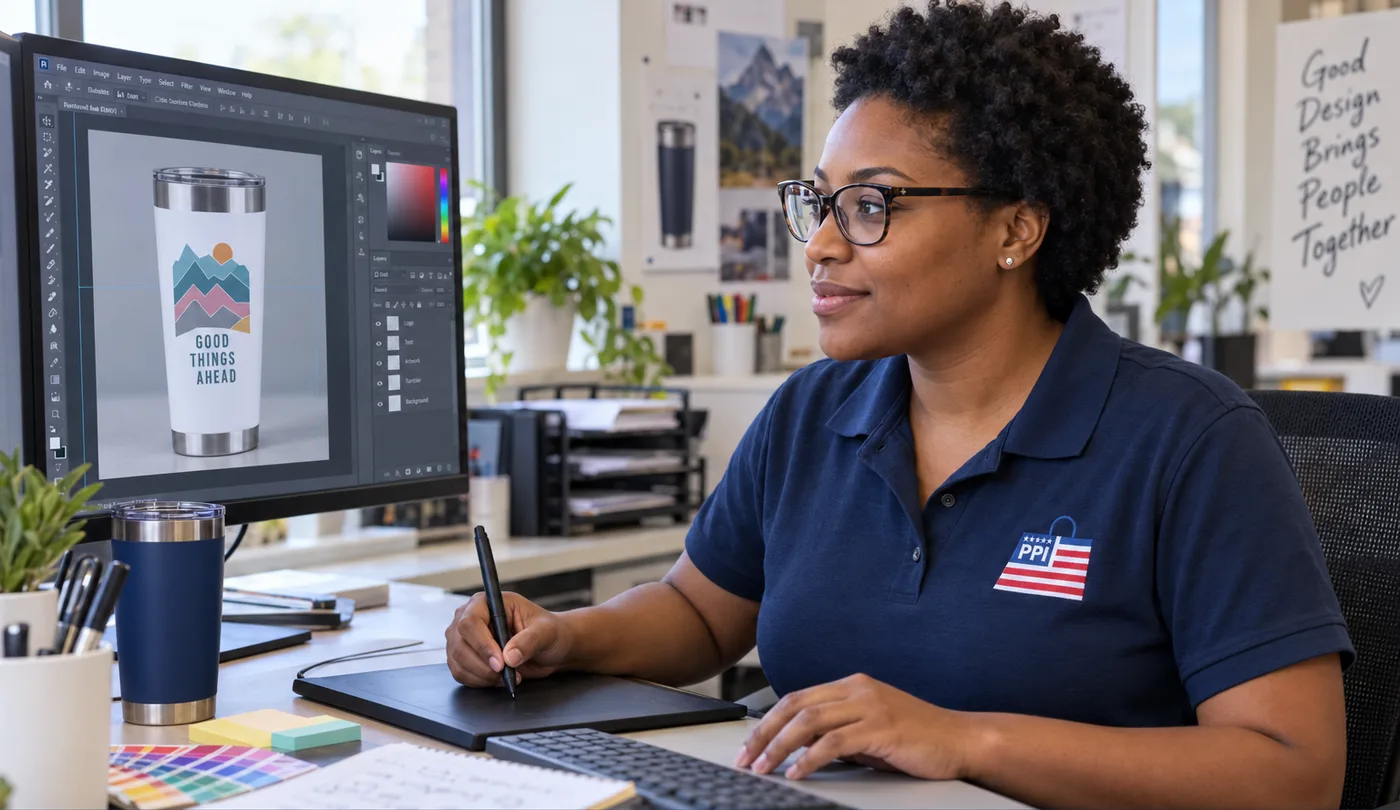
Every tool on this page started as something the art team at Promotional Product Inc used internally to check a customer’s artwork before it went to press — resolution, vector outlines, contrast, ink count, imprint area. Customers kept asking whether they could run the same checks themselves, so we put them online exactly as our staff use them. They are free, and they stay free.
Nothing you open leaves your device
The file checkers read your artwork inside your own browser. There is no upload step, no copy on a Promotional Product Inc server, and nothing to delete afterwards.
Answers come from the real catalog
A color match here is not a swatch name. It resolves to products Promotional Product Inc stocks in that color, with the count, so you can order the thing you just matched.
A person picks up where the tool stops
When a checker says a logo will not hold at size, the Promotional Product Inc art team rebuilds the file by hand rather than leaving you with a red X — free with your order for a standard logo, quoted for approval first if it needs a full redraw.
Questions people ask before they use these
Are these tools really free?
Yes. All ten Promotional Product Inc tools are free with no account, no email address, no watermark and no usage limit. They were built for the in-house art team to use on real orders, and enough customers asked for them that Promotional Product Inc put them online as they are.
Do I have to upload my logo?
No. Every file checker reads your artwork inside your own browser, so the file never reaches a Promotional Product Inc server and there is nothing to delete when you are finished.
Do I have to buy from Promotional Product Inc to use them?
No. The tools are open to anyone, whether you order from Promotional Product Inc or not. Catching a bad logo file before it goes to press saves a reprint no matter who prints it.
What resolution does a logo need for promotional printing?
Divide the logo’s pixel width by the imprint width in inches: 300 or higher prints sharp. A 3,000-pixel-wide file prints sharp up to 10 inches; a 600-pixel file holds up to 2 inches. Large-format items tolerate about 200. The Promotional Product Inc artwork resolution checker does that division for you.
What if a tool says my logo will not print?
Send it to Promotional Product Inc anyway. A failing result is a warning, not a refusal: the in-house art team can usually rebuild a low-resolution logo as vector art, and a marginal file often prints cleanly at a smaller imprint size. Standard cleanup and vectorizing are free with your order; a complex or hand-drawn logo needing a full redraw carries an art fee that is quoted for your approval before any work starts.
Working out file formats or imprint sizes? The artwork and proof guidelines go further than these tools do, and every color family we stock shows what each shade looks like on a real product.
A tool can spot an artwork problem. A person fixes it.
Most reprints start with an artwork problem that was invisible on screen: a logo that was too low-resolution, a brand color nobody had a real value for, or a design that never fit the imprint area. The tools on this page catch that before you order, whether you order from Promotional Product Inc or not.
What a browser tool cannot do is redraw a file. Promotional Product Inc does that part by hand — the same in-house art team has been doing it for customers since 1997.
Free artwork cleanup. Send whatever you have — a JPG off a website, a photo of a business card, an old print file. Cleanup, format conversion and standard vectorizing are free with your order, and we size the art to the imprint area before anything goes to press. A complex or hand-drawn logo that needs a full redraw can carry an art fee, always quoted for your approval first.
No logo yet? We will draw you one. A clean text design or a simple concept is free with your order — we send three to five versions for your approval, and the artwork is yours to keep and use anywhere. A multi-concept or original illustration project is quoted up front before any work starts.
A free proof on every order. You see your logo on the actual product, with unlimited revisions, and nothing prints until you approve it.
What is free and what is quoted is set out in full under art and set-up charges. Nothing is ever billed without your approval first.
How this page is made
- Maintained by
- The merchandising team at Promotional Product Inc, who source and sell the products these colors appear on.
- Color data
- Read from our live product catalog on . Every count on this page is read from that catalog, never estimated.
- Method
- Every tool on this page runs inside your own browser and is built against the colors Promotional Product Inc actually stocks, so a match it reports is a product you can order.
Found something wrong? Tell us and we will correct it.